
RETAIL DISPLAY ROLLOUT PROGRAMS
Retail Display Rollout Programs for Multi-Store Projects
A retail display rollout is not simply a larger production order. It requires the approved design, product versions, components and project sets to remain controlled as production scales.
GREAT ACRYLICS supports custom retail display programs from approved prototype through repeat production, project kitting, packout and shipment preparation.
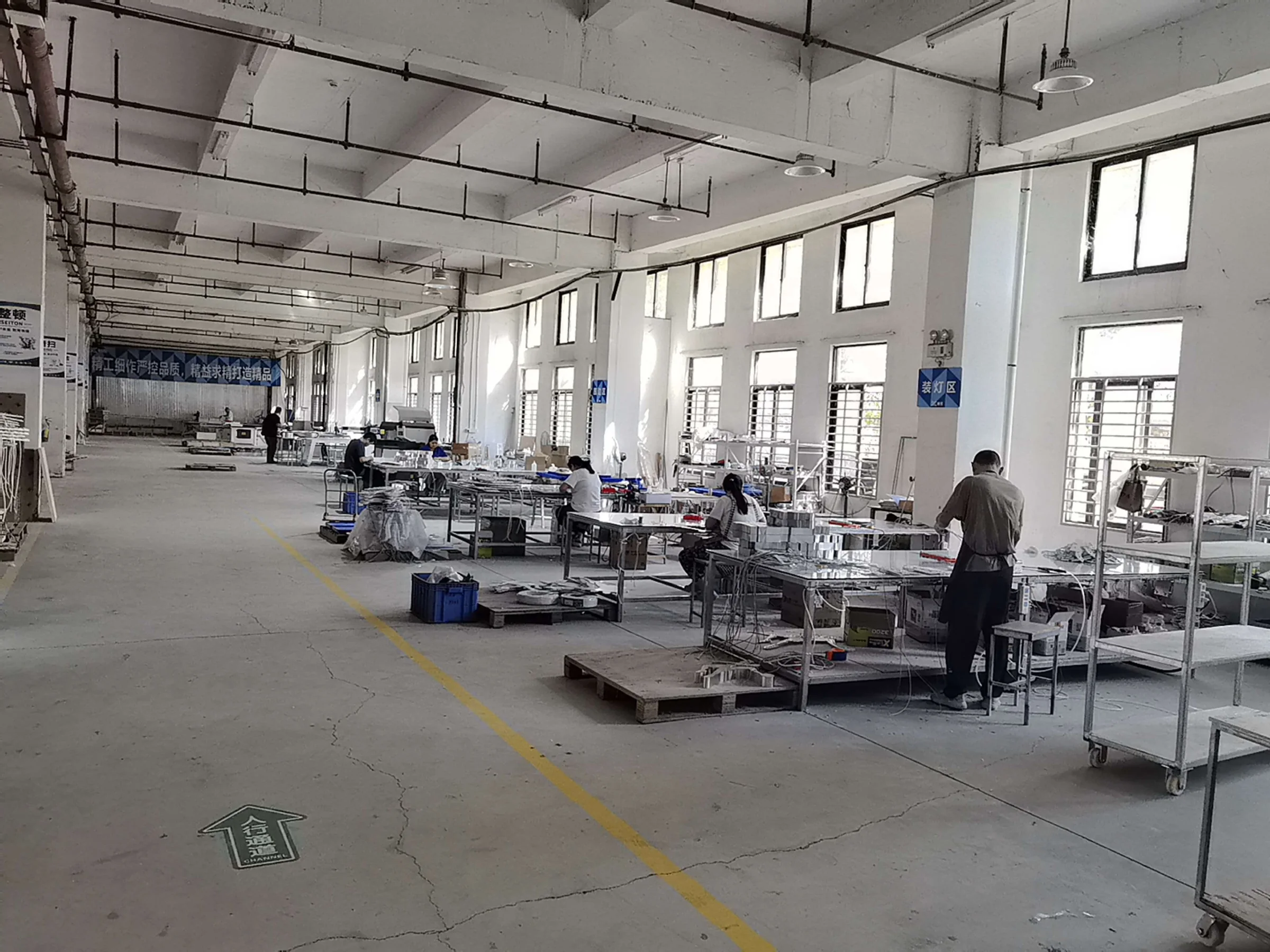
WHEN ONE DISPLAY BECOMES A ROLLOUT
Scaling the Quantity Is Only Part of the Job.
A prototype may involve one design, one set of artwork and one approval. A rollout can introduce multiple product versions, graphics, locations, components and packing requirements.
As those variables increase, the manufacturing challenge changes. The project needs a clear production reference and a practical way to keep versions, sets and finished products organized.
ROLLOUT RISK
Small Errors Become Larger When They Are Repeated.
A rollout problem is rarely limited to one product. If an incorrect version, missing component or unclear project set is repeated, the impact can reach receiving, assembly and deployment.
Wrong Artwork or Product Version
Similar displays may use different graphics, dimensions, product layouts or components. If the wrong version is repeated, the problem can affect an entire project group rather than one unit.
Batch-to-Batch Variation
Changes in appearance, dimensions, fit or function can become increasingly visible when the same display is deployed across multiple retail locations.
Missing or Mixed Components
A missing bracket, hardware pack or mismatched component can stop a display from being assembled or deployed when it reaches the project location.
Wrong Set at the Wrong Location
When cartons, SKUs or project sets are not clearly identified, receiving teams can spend valuable rollout time sorting products instead of preparing them for deployment.
ROLLOUT CONTROL FRAMEWORK
Control What Is Approved Before Repeating It.
The rollout process starts with an approved product reference, then carries that information through repeat production, project organization, kitting, packing and final release.
Approved Reference
Confirm the approved product, drawings, materials, graphics and project-specific requirements that production should follow.
Production Setup
Translate the approved reference into the applicable production information before repeating the product across the wider run.
Repeat Production
Manufacture against the approved reference while controlling the product characteristics relevant to the project.
Set Organization & Kitting
Keep applicable SKUs, versions, components, hardware and specified accessories organized around the agreed project structure.
Identification & Packing
Apply the agreed product, component or carton identification together with the required protective packing.
Release
Complete the relevant product and packout checks before the finished order moves into shipment preparation.
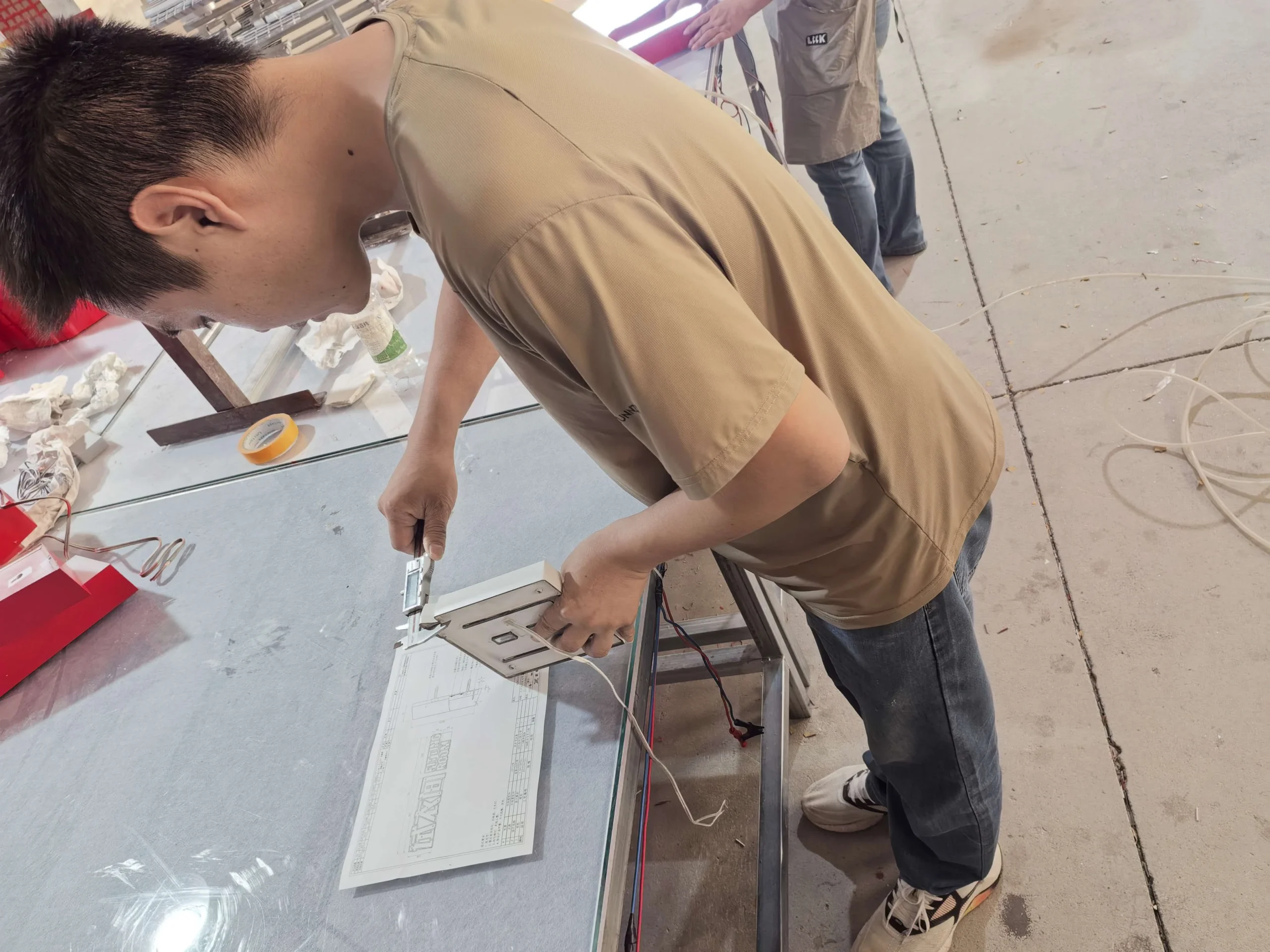
REPEATABILITY
The Approved Display Becomes the Production Reference.
Rollout consistency depends on controlling the product against approved information rather than relying on memory or visual approximation from one unit to the next.
MULTI-SKU & VERSION CONTROL
Similar Displays Can Still Be Different Projects.
Rollout programs often contain products that look similar but differ in dimensions, graphics, color, product layout or included components. Those differences need to remain visible in the production information.
Product Version
Different display models or configurations can be separated according to the confirmed project information.
Size & Configuration
Variations in footprint, height, product capacity or assembly can be controlled as separate production versions.
Artwork Version
Different campaign graphics, logos or printed elements need clear version identification before production.
Parts & Hardware
Product-specific inserts, brackets, lighting components or hardware can be organized with the applicable display version.
Material & Finish
Where a rollout contains finish or color variations, those differences should remain tied to the correct project version.
Production Reference
Each confirmed version should be traceable to the information production is expected to follow.
PROJECT SET ORGANIZATION
Think in Project Sets, Not Only in Total Quantity.
A rollout may contain hundreds of manufactured pieces, but the receiving side may need to think in store sets, display sets, product groups or project locations.
Where required, production and packout information can be organized around those project groups so applicable components remain easier to identify during receiving and final deployment.
Store / Project Reference
Location or project references can be used where the rollout requires set-level identification.
SKU Identification
Different product versions can be identified according to the confirmed project structure.
Component Matching
Detachable parts can be associated with the applicable product or project set where required.
Hardware Packs
Applicable hardware can be grouped and identified to support final assembly or installation.
Carton Identification
Carton information can support sorting and receiving across multi-SKU or multi-location programs.
Project Packout Information
Agreed project references can carry through into the packout stage according to the rollout requirements.
PROJECT KITTING & COMPONENT INTEGRATION
One Display Set May Include More Than the Display Itself.
Rollout projects can include hardware, lighting components, printed graphics, instructions or other specified accessories. Where required, these items can be coordinated with the manufactured display and organized into the applicable project set.
Hardware Kits
Specified fasteners, brackets and assembly hardware can be grouped with the applicable display set according to the confirmed project requirements.
Lighting Components
Specified LED and related components can be integrated or packed with illuminated display projects where applicable.
Printed Materials
Approved graphics, labels, instructions or other specified printed materials can be coordinated with the applicable product version.
Assembly & Kitting
Depending on the product and shipment requirements, components can be assembled or organized into project kits before shipment.
Component sourcing, assembly level and kit contents are confirmed according to the individual project rather than treated as one universal package.
ROLLOUT PACKOUT
The Right Product Still Needs to Reach the Right Project Set.
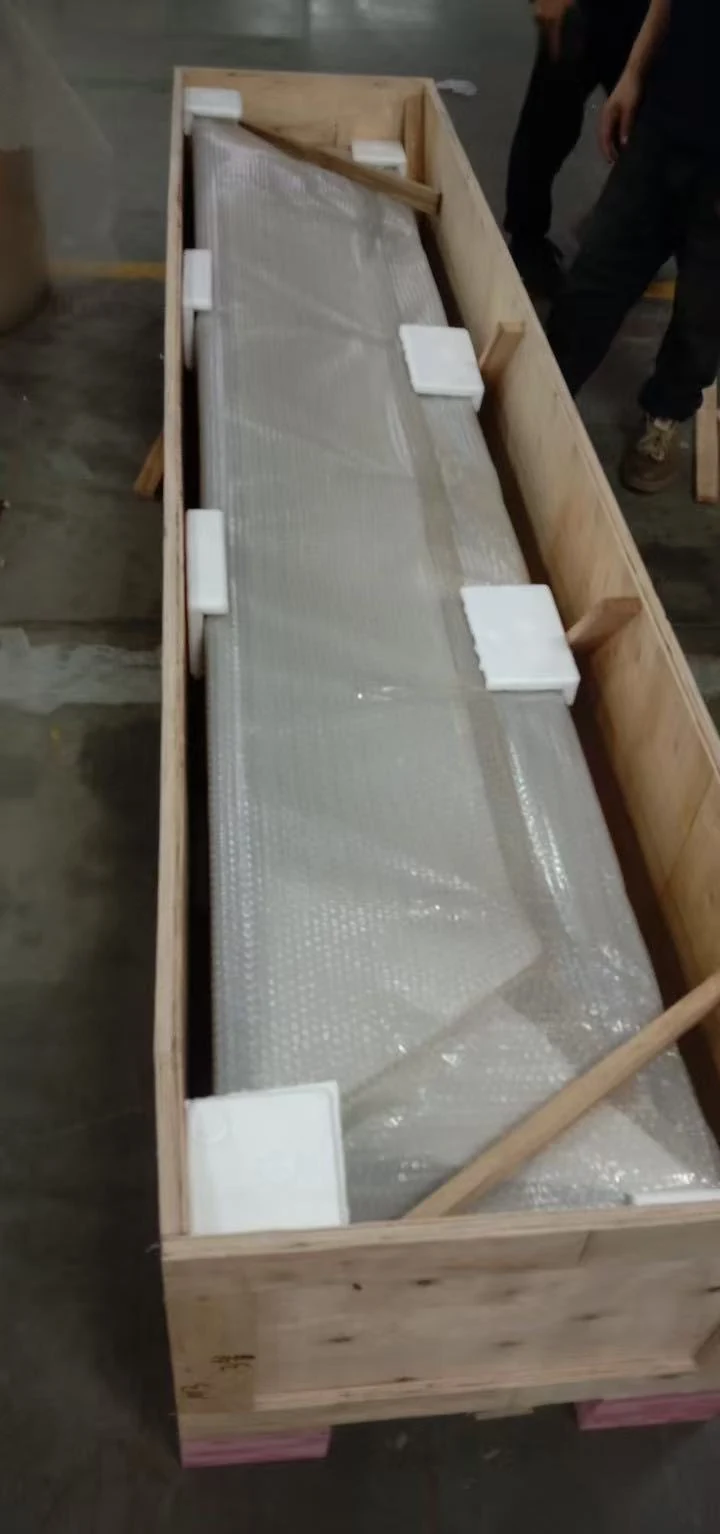
For rollout programs, packaging has two jobs: protect the finished display and keep the applicable products, components and project information organized.
The exact packout method depends on the product structure, quantities, shipment plan and agreed rollout requirements.
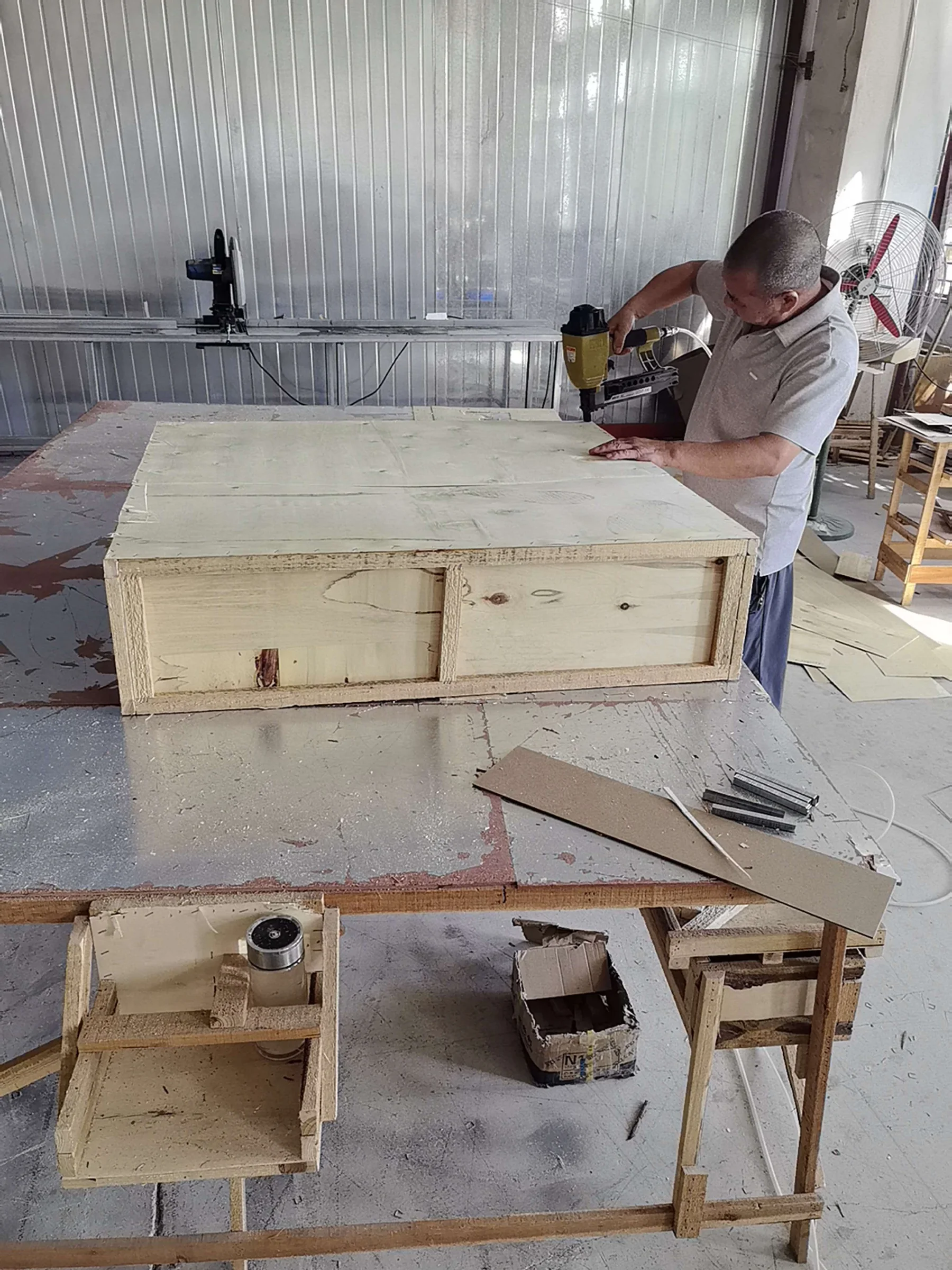
MANUFACTURING EVIDENCE
A Rollout Depends on More Than the Finished Hero Shot.
Repeat programs depend on controlled manufacturing, product checks, project organization and shipment preparation — not only how one finished display looks in isolation.
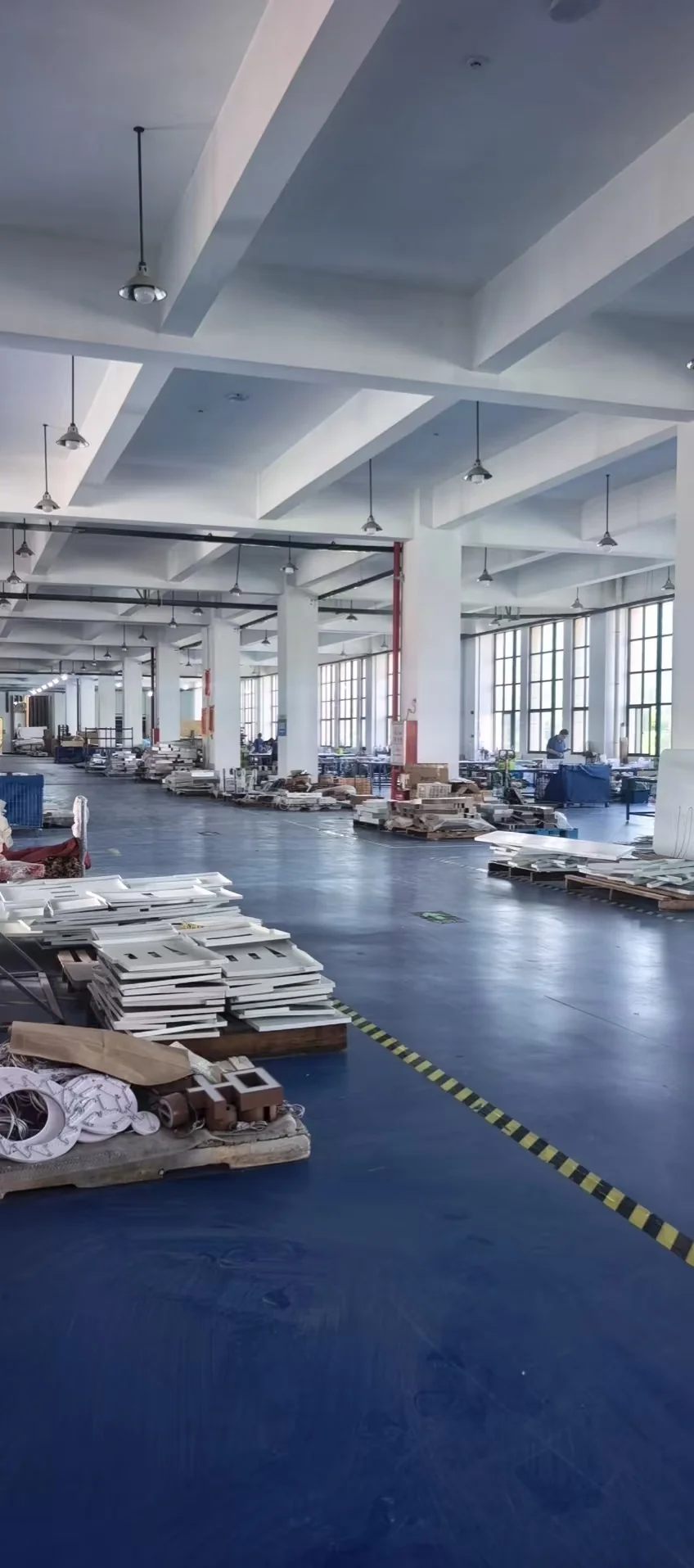 Repeat Manufacturing
Production Control
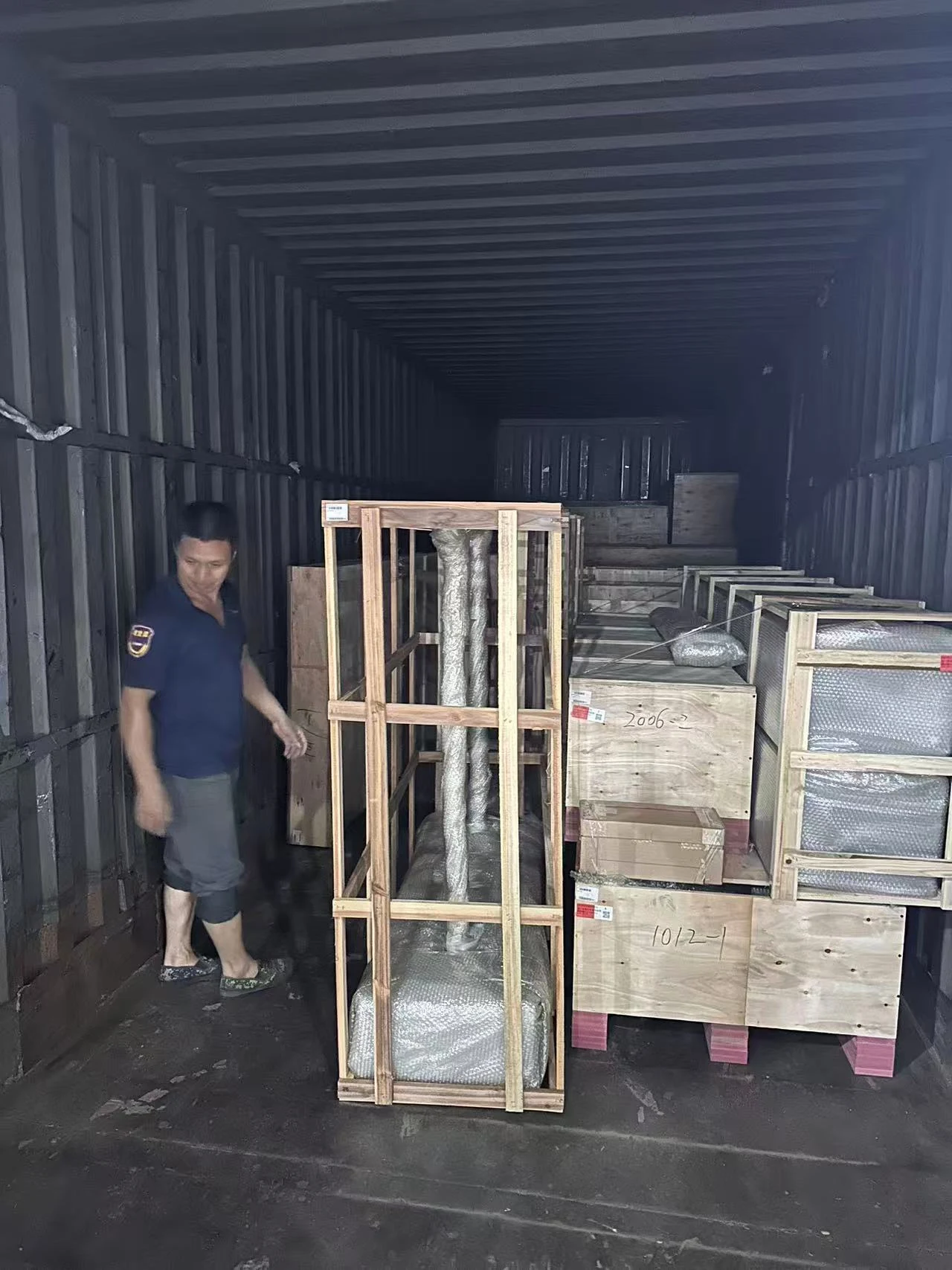 Shipment Preparation
WHO THIS SUPPORTS
Built for Buyers Managing More Than a Single Display.
Rollout control becomes increasingly important when one approved product needs to be repeated across stores, campaigns, project sites or customer programs.
Retail Brands & Chains
For branded displays that need to remain consistent across multiple stores, launches or replenishment programs.
Shopfitting & Project Contractors
For projects where different display sets, components and locations need clearer manufacturing and packout organization.
Display & Manufacturing Partners
For trade partners that need repeat production support behind approved display programs and customer projects.
RELATED CAPABILITIES
A Rollout Starts Before Batch Production.
Successful repeat programs depend on what was approved, how the product is manufactured, how quality is controlled and how the finished project is prepared for shipment.
ROLLOUT FAQ
Common Questions About Retail Display Rollouts
What is a retail display rollout program?
Can one rollout include multiple display versions or SKUs?
How do you keep repeat production consistent with the approved sample?
Can hardware and other components be packed with each display set?
Can cartons or components be identified by store or project?
Do you ship directly to individual stores?
When should rollout requirements be discussed?
Planning a Multi-Store Retail Display Rollout?
Share your approved design, prototype, quantities, SKU structure, required components and rollout requirements. We can review how the project should move from approved reference into repeatable production, project kitting and organized packout.